Leave Allocation
The Leave Allocation feature in an HRM application allows organizations to manage and assign leave to employees based on their role, tenure, employment type, and company policies. This feature provides clarity for employees about their leave, ensures accurate tracking, and helps streamline the entire leave management process for HR teams.
How to allocate Leave?
Open HRM app --> Select Leave Allocation --> Assign Leaves screed displayed.
- Select one or multiple employees to assign the same type of leaves.
- Select the leave types, Template, Holidays and Week OFF
- Click save button to save the records. (refer fig 5.1)
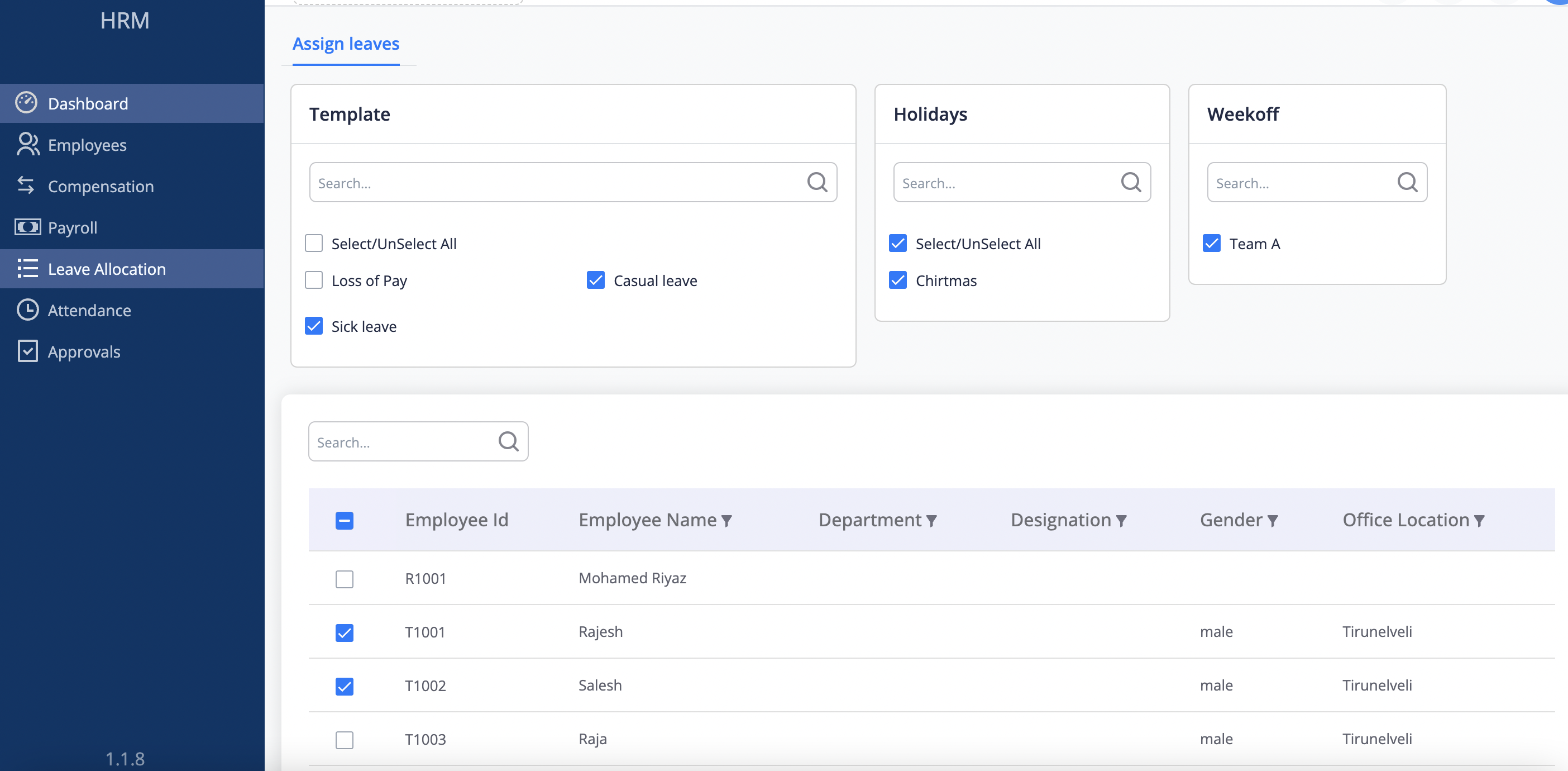 Fig 5.1